Pick your playground.
A macOS desktop, Ubuntu Desktop, or Ubuntu Server. Install media comes directly from Apple or Canonical.
macOSUbuntu DesktopUbuntu Server
 LitterBox.
A Mac inside your Mac. Or a whole Linux machine.
Give your coding tools their own operating system.
Keep your everyday Mac out of the experiment.
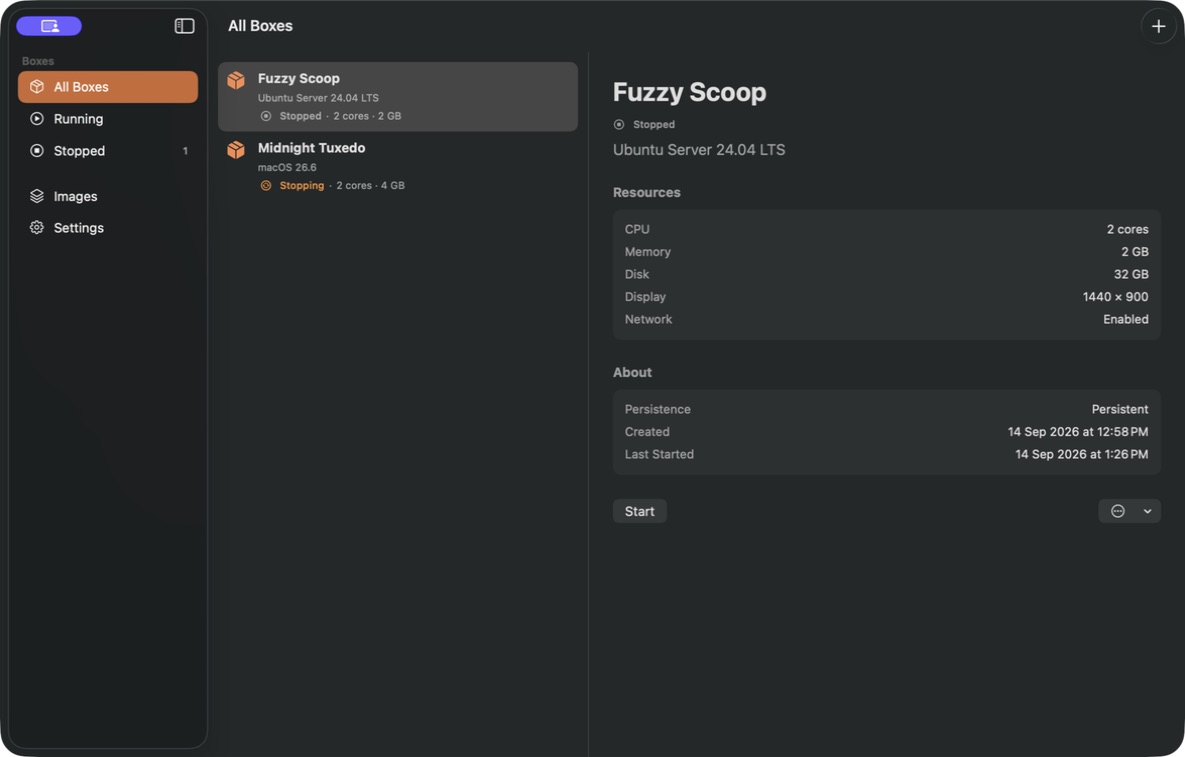
TWO WORLDS. ONE LITTLE APP.
A full macOS guest for Mac-specific tools and experiments. Ubuntu Desktop for a Linux workspace. Ubuntu Server for the command line. Pick the environment your project needs.
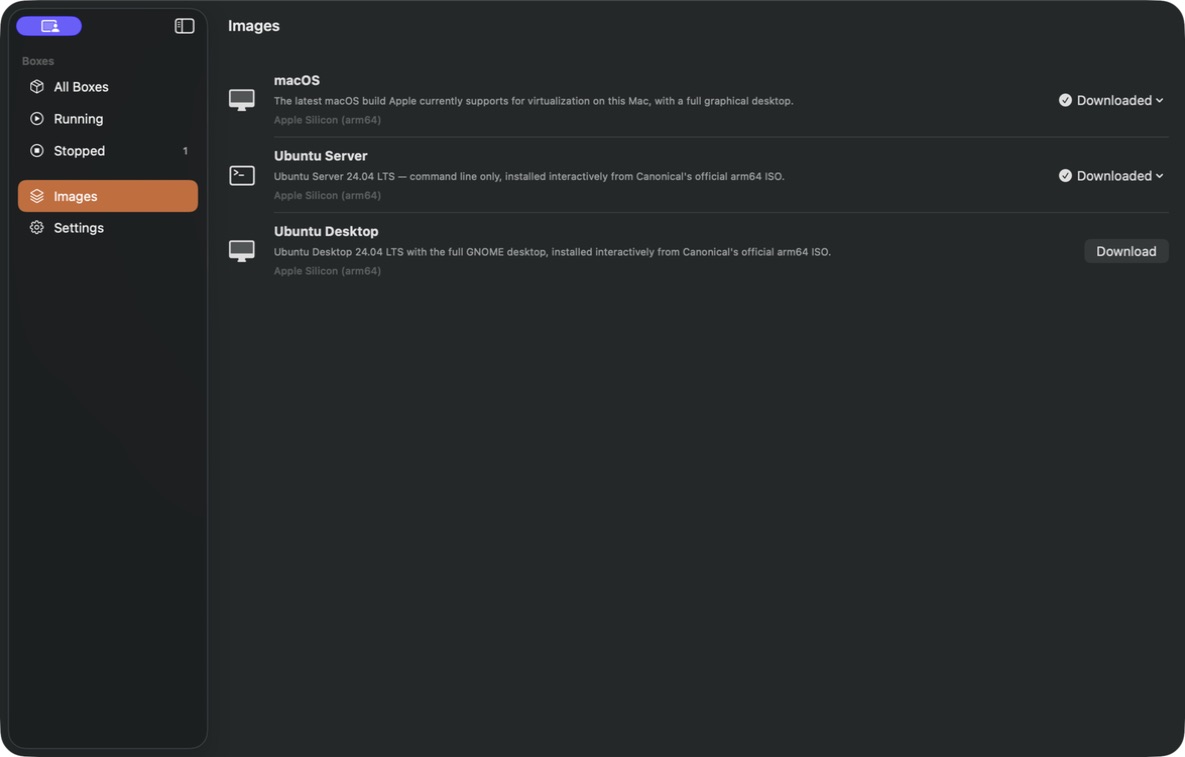
A SMALL BOUNDARY. A LOT OF POSSIBILITY.
Try a new tool. Tinker with a dependency. Set up a coding agent. A Box gives the experiment a separate operating system and a disk of its own.
A macOS desktop, Ubuntu Desktop, or Ubuntu Server. Install media comes directly from Apple or Canonical.
Choose the CPU, memory, and disk. Turn guest networking off. Host folders stay unshared unless you choose to share them with a macOS Box.
Keep a useful Box, clone a stopped one, or use Fresh Litter to return to its saved clean state. Toss a Box when its work is done.
Runs on your Mac.
No LitterBox account.
Your tools. Your workspace.
Built with Apple's Virtualization framework. Set up your preferred tools inside the guest OS; LitterBox doesn't bundle an AI agent or connect to an AI provider.
MAKE ROOM FOR WHAT'S NEXT
Coming to the Mac App Store.
Apple Silicon · macOS 14 or later